
The best webcam you own is already in your pocket.
ZeloCam turns your Android phone or iPhone into a sharp webcam for your Windows PC, over Wi-Fi or a USB cable. No account and no cloud: the video goes straight from your phone to your PC.
- Free to use
- No account
- Video stays on your network
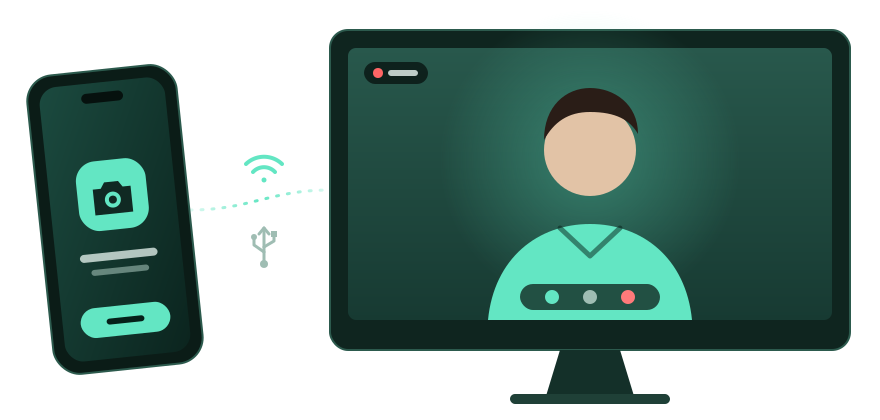
Connected in three steps.
No IP addresses to type and no router settings. Approve your phone once and it reconnects by itself next time.
-
Install ZeloCam on Windows
Download the free Windows app and run the installer. It sets up the virtual camera and the firewall rule for your local network.
-
Install the phone app
Get ZeloCam for Android or iPhone. Allow the camera and microphone when the app asks.
-
Connect
On the same Wi-Fi, the phone finds your PC on its own: tap it and choose Allow on the PC. Or plug in a USB cable.
Wi-Fi
Phone and PC on the same network (the PC can be on a cable to the same router). Video is encrypted with WebRTC and never leaves your network. If automatic discovery is blocked, connect by hand with the address and 6-digit code shown on the PC.
USB cable
The steadiest picture, with no Wi-Fi needed and the phone charging as you go. Android: turn on USB debugging once and ZeloCam opens the phone app for you. iPhone: install Apple Devices from the Microsoft Store, tap Trust, and open ZeloCam.
A real camera, with real controls.
Your phone's camera beats almost any laptop webcam. ZeloCam lets you use all of it.
Camera controls
Exposure, ISO, white balance, focus, zoom, flashlight and stabilization from your PC, plus front or back camera and portrait or landscape.
Background effects Pro
Blur, bokeh, green screen, a transparent background or your own picture. It runs on your PC's graphics card, offline.
Beauty filter
Smoother skin, brighter eyes and a little touch-up that follows your face. Natural or radiant presets, free for everyone.
Works in every video app Pro
Pick ZeloCam Virtual Camera in Zoom, Microsoft Teams, Google Meet or OBS on Windows 11. On Windows 10, capture the clean view in OBS.
Phone microphone
Use the phone's microphone too, in sync with the picture, and choose which speakers play it on your PC.
Record and snapshot
Save a photo of what your camera sees in one click, or record video with sound Pro.
Private by design
No account and no cloud servers. Pairing is encrypted and pinned to your PC, and the picture only travels inside your network or the cable.
Stays connected
A Wi-Fi hiccup doesn't end your call: ZeloCam reconnects on its own. On Android it keeps streaming with the screen off.
Updates itself
The Windows app checks for new versions and offers a one-click restart when an update is ready.
Free to start. Pro when you need it.
The Windows app is free. Every phone starts with a 7-day Pro trial: every feature, with a small ZeloCam mark in a corner. After that, Free keeps working at up to 480p with a ZeloCam watermark, virtual camera included. Pro unlocks full resolution and every effect.
| Feature | Free | Pro |
|---|---|---|
| Every Pro feature for the first 7 days (small corner mark) | ✓ | ✓ |
| Resolution | Up to 480p | 1080p, 1440p, 4K (depends on the phone) |
| ZeloCam watermark | Yes | None |
| Wi-Fi and USB, Android and iPhone | ✓ | ✓ |
| Phone microphone | ✓ | ✓ |
| Camera controls, snapshots | ✓ | ✓ |
| Beauty filter | ✓ | ✓ |
| Background blur and replacement | – | ✓ |
| Virtual camera for Zoom, Teams, Meet | ✓ | ✓ |
| Video recording | – | ✓ |
Pro is bought inside the ZeloCam app on your phone, through Google Play or the App Store, as a yearly subscription or a one-time lifetime purchase. Your phone unlocks Pro on your PC as soon as they connect. A purchase on Android doesn't carry over to iPhone, and the other way round.
Good to know.
Do I need an account?
No. There is no sign-up on the PC or the phone. Your phone pairs directly with your PC.
Does my video go through the internet?
No. Over Wi-Fi the picture and sound go directly from your phone to your PC inside your local network, encrypted. Over USB they stay on the cable. ZeloCam has no video servers.
Which Windows and phones are supported?
Windows 10 and 11, 64-bit. The virtual camera for Zoom, Teams and Meet needs Windows 11; on Windows 10 you can use OBS. Phones: Android 8.0 or later, and iPhone with iOS 16 or later.
Why does Windows warn me when I install it?
The installer is not code-signed yet, so Windows SmartScreen shows "Windows protected your PC". Click More info, then Run anyway. Read why, step by step.
Turn on your best camera.
Download ZeloCam for Windows, install the phone app, and you're live in about a minute.
Download for WindowsThe Android and iPhone apps are coming soon to Google Play and the App Store.